
After the Install: How ARECH Backs Every Screen
After the Install: How ARECH's after-sales support works in practice: spare parts on hand, remote diagnostics, a 24/7 priority line, on-site options, and lifetime service beyond warranty.
After the Install: Most buyers compare screens on specs. The sharper question is what happens after the screen is on the wall. LED display after-sales support varies enormously between suppliers, and the gaps show up at the worst moments — a controller card failure the night before a live event, a cabinet going dark in a control centre with no spare on the continent. Here is what ARECH's support structure actually looks like, in plain terms.
Spare Parts: Stocked Before You Need Them
The component that fails fastest in an LED wall is rarely the LED itself. Power supplies and control cards take the most punishment from heat and electrical load. LED modules are the most visible failure point when a pixel cluster goes out.
ARECH stocks all three — LED modules, power supplies, and control cards — as a global spare-parts inventory. The aim is straightforward: when something fails, a compatible replacement goes out fast, not sourced from production on request.
This matters more for some applications than others. A control centre display running 24/7 has no tolerance for a multi-week parts lead time. Neither does a rental screen on a touring schedule. Knowing compatible parts exist before the call goes in changes the timeline entirely.
Remote Diagnostics: Most Problems Fixed Without a Flight
A significant share of LED screen issues are software, firmware, or configuration — not hardware. A control card that has lost its mapping, a brightness calibration that has drifted, a firmware version that conflicts with a new media player. None of these require hands on the cabinet.
ARECH uses secure remote diagnostic tools for exactly these situations. The connection is established with client permission — the client initiates access, not ARECH — which matters for installations in sensitive environments like broadcast studios or data-adjacent control rooms.
The resolution path for a remote diagnostic issue is typically: client opens a support ticket or calls the priority line, the team identifies the fault remotely, pushes a configuration correction or updated firmware, and verifies the fix with the client before closing the session. No travel costs, no downtime waiting for a technician to land.
Remote diagnostics will not fix a dead power supply or a cracked module. But for the category of faults that can be resolved this way, it is the faster and cheaper first step.
24/7 Support and the Priority Hotline
ARECH runs 24/7 customer support across four channels: phone, email, live chat, and a dedicated support portal.
The channel choice matters less than what happens when an urgent issue comes in. The priority hotline routes directly to a senior technician — not a first-tier triage agent reading a script. A large outdoor screen going dark at 2 a.m. local time needs someone who can read a diagnostic log and make a decision, not someone who can open a ticket.
For non-urgent issues, the same team is reachable through email or the portal. Response through those channels is not 24/7 by nature, but the contact paths are the same: +86 755 2319 1723 or contact@arech-led-display.com.
Installation, Commissioning, and Operator Training
After-sales support starts earlier than most buyers expect — at installation. A screen that is physically installed correctly and calibrated at commissioning will have fewer service calls over its life. ARECH covers the full installation arc: site planning, physical assembly guidance, signal chain verification, and final brightness calibration.
For the install itself, there are two options depending on the project. For straightforward or experienced-team installs, ARECH provides a guided remote walkthrough via video — an engineer on the call who can see what the installer is working on and give real-time direction. For complex installations or clients who prefer direct support, an ARECH technician travels on-site.
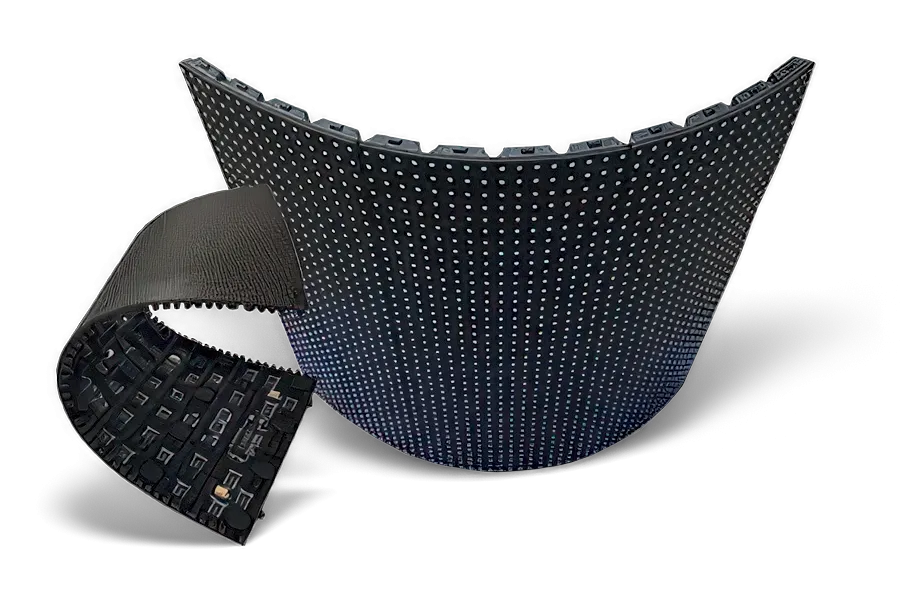
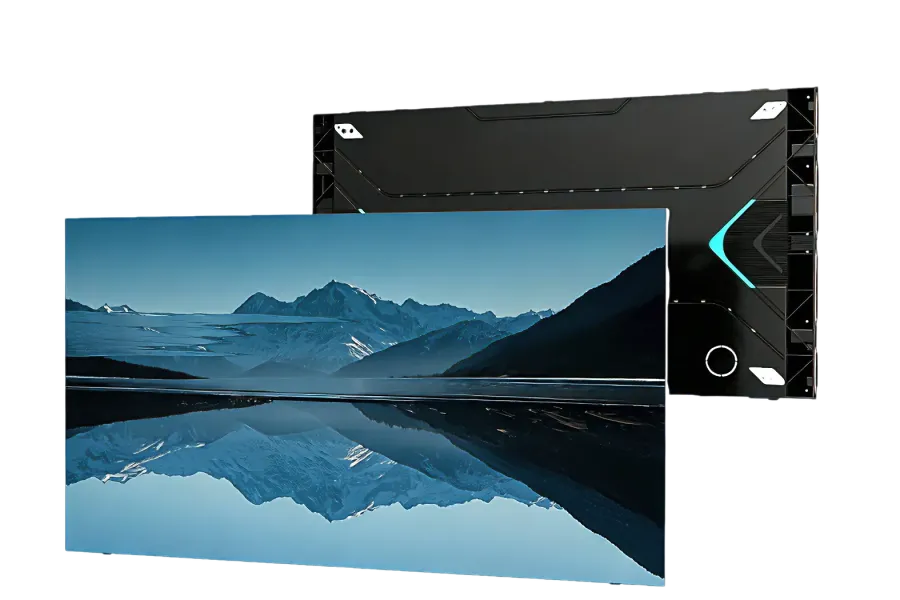
Flexible displays and HD video walls tend to need more commissioning time than a standard flat indoor screen. The angle of cabinet joints on a curved wall and the calibration of a fine-pitch HD wall both reward having the right person present at first power-on.
Operator training is part of the commissioning process. The people who run the screen day-to-day should know how to handle routine software tasks, recognise early fault signs, and know which issues to escalate and which to resolve locally.
After the Warranty: Lifetime Service
Warranty covers the period defined in the purchase terms — manufacturing defects, component failures within scope, claims processed through a formal channel. That article is covered separately in how ARECH's warranty works.
What warranty does not cover is routine maintenance, out-of-warranty repairs, and component replacements once the formal period ends. ARECH's position on this is simple: the service does not stop when the warranty does. Routine maintenance, troubleshooting, and component replacement are available for any ARECH screen for any period after purchase.
In practice this means: a screen installed several years ago can still get a replacement power supply sourced from the same factory that built it, serviced by engineers who know the product family. The alternative — buying a screen from a supplier who has discontinued that model or gone out of business — is a real risk in this industry. Factory-direct purchasing from a manufacturer with a standing inventory is the structural answer to it.
CONTINUE READING
More from the blog
-
How ARECH's LED Display Warranty Works: 2 or 3 Years, and What Decides It
How ARECH's LED Display Warranty Works: why the term is 2 or 3 years depending on the LED chip, what is excluded, and…
-
Inside the Ageing Chamber: Every Cabinet is tested
Inside the Ageing Chamber: Every ARECH LED cabinet runs an ageing-chamber burn-in cycle before pack-out.
-

Curved and Flexible LED: How It Bends and Where It Fits
Curved and Flexible LED: How bend into columns, domes, and sculptural shapes, why magnetic mounting makes them…
-

What ARECH's LED Display Certifications Mean: CE, FCC, RoHS, ISO 9001, LVD
What ARECH's LED Display Certifications Mean: CE, FCC, RoHS, and ISO 9001, LVD certification each cover on an LED…
-

Indoor vs Outdoor LED Displays: How to Choose the Right One
Indoor vs Outdoor LED Displays: differ in brightness, weatherproofing, pixel pitch, and cabinet build. Here is how to…
-

Pixel Pitch Explained: Matching an LED Display to Viewing Distance
Pixel Pitch Explained - What pixel pitch means, how it sets minimum viewing distance, and how to pick the right LED…