
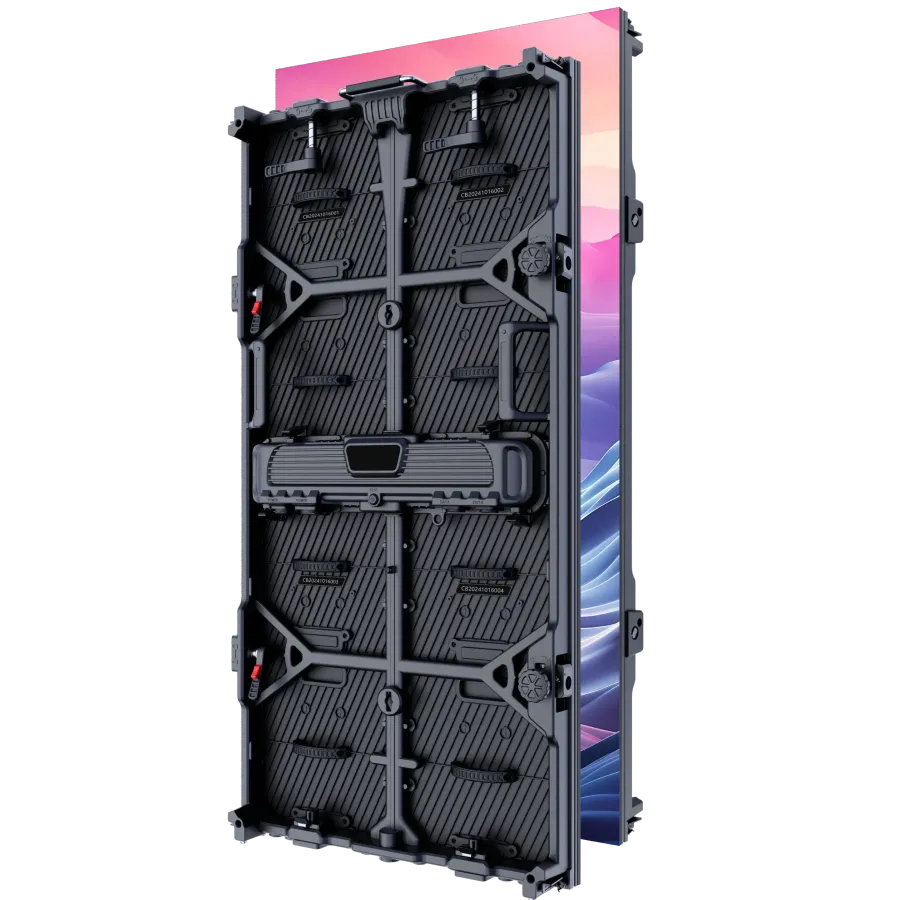

LED Poster and Stand Displays for Retail and Events
LED Poster and Stand Displays: portability, plug-and-play setup, outdoor durability, and multi-display video walls — how they compare to printed standees in retail and events.
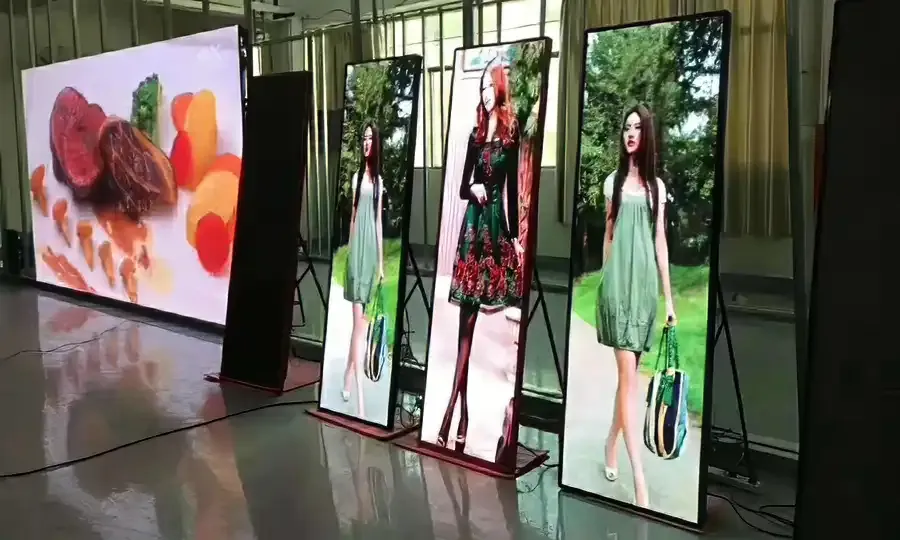
LED Poster and Stand Displays - A printed standee costs less upfront and is gone tomorrow. An LED poster stand costs more, but it moves on wheels, updates its content through a USB stick or your phone, and works in direct sun or a dim hospital corridor. The question is not which one looks better — it is whether the job justifies the difference. This article explains what LED poster stands actually deliver, where they fit, and what to watch for before you buy.
What Makes an LED Poster Stand Different
A printed standee is a one-message prop. Print it, position it, throw it out when the campaign changes. An LED poster stand is a display panel mounted on a free-standing frame with lockable wheels. One person can roll it into position, plug it in, and have it running in minutes.
The screen itself is an active LED panel — the same technology used in indoor fixed installations and rental displays, just packaged into a slim, self-contained unit. Content goes in via USB, HDMI, or network connection. Control happens through a remote, a mobile app, or the unit's built-in interface. No installer, no signal cable run, no integrator on site.
That combination — LED image quality, self-contained power and mounting, and straightforward content loading — is what separates a standee display from everything else in the portable signage category.
Three Brightness Tiers, Three Operating Environments
Not every location has the same light level, and brightness is the one spec that determines whether the image is readable or washed out. LED poster stands come in three tiers:
- 600 nit — suited to controlled indoor environments: mall atriums, office lobbies, retail store interiors, hospitals, schools, community centres. Comfortable on the eye in typical interior light. The GOB-coated variant in this tier adds dustproof and moisture resistance and runs silently, which makes it a good fit for quiet spaces like hospital corridors or gallery receptions.
- 3,500 nit — a mid-range brightness suited to mixed environments: covered outdoor areas, window-facing positions, exhibition booths with overhead flood lighting, or any indoor location where ambient light is unusually strong.
- 5,000 nit — outdoor-rated. Built to hold image quality in direct sunlight. Paired with an IP65 enclosure (waterproof, dustproof, UV-resistant) and rated to operate from −20 °C to 60 °C. This tier covers open-air events, outdoor commercial districts, highway locations, and parks where a printed standee would bleach out and warp within a season.
Choosing the wrong tier is the most common mistake: an indoor-rated unit in a bright window reads as dim; an outdoor-rated unit on a dim shop floor wastes power and eats into the budget. Match the brightness tier to where the unit actually lives.
Portability in Practice
LED poster stands are built to move between locations without a crew. A lightweight frame on lockable wheels means a single person can reposition a unit between zones of a trade show floor, shift it from a front-of-house to a back-of-house position, or move it between events without dismantling anything.
For locations without a permanent power outlet, there is an optional battery-powered configuration rated for eight hours of operation. That covers a full event day on a single charge, which removes the power-cable problem entirely for outdoor pop-ups, festivals, and temporary activations.
Three mounting modes are available on the same hardware: free-standing on the built-in frame, suspended (hanging), or wall-mounted. So a unit purchased for a touring event can be wall-mounted in a retail location between shows, or hung in a covered walkway where floor space is restricted.
This flexibility means the cost of the unit is shared across more locations and use cases than a fixed install, which changes the maths on the investment.
Updating Content Without a Technician
One of the consistent problems with printed standees is the change cycle. A price update, a new promotion, an event detail that shifts — any of those require printing, shipping, and a person to swap the insert. The turnaround is hours at best, days at worst.
An LED poster stand accepts new content through USB, HDMI, or a network connection. The control interface — remote, mobile app, or the unit's onboard controls — does not require any technical expertise to operate. Connect power and the content source, and the display is running. Changing what plays on screen is a matter of loading new files rather than ordering new print.
For venues that run multiple campaigns simultaneously — a retail chain rolling out a seasonal promotion across locations, or an exhibition organiser running different content on units in different zones — network connectivity allows content to be pushed to multiple units from one point rather than visiting each one manually.
This is where an LED poster stand begins to return its cost against printing and logistics over repeated campaigns.
Tiling Multiple Units into a Video Wall
A single LED poster stand captures attention from roughly 10 metres out. Multiple units can be synchronised to form a larger video wall, with content running across all screens as a single image or in coordinated sequences.
This is a useful option for exhibition booths, brand activations, or retail flagships where impact matters but a permanent LED wall installation is not viable — the space is temporary, the venue does not permit structural fixings, or the displays need to travel. The units tile together for the event and separate afterwards for storage or reuse in other locations.
For buyers who need fixed large-format LED coverage — a permanent wall in a showroom, a full building facade, or a broadcast backdrop — see the indoor screen range, the outdoor range, and the HD wall range for installed options with full engineering support.
CONTINUE READING
More from the blog
-
How ARECH's LED Display Warranty Works: 2 or 3 Years, and What Decides It
How ARECH's LED Display Warranty Works: why the term is 2 or 3 years depending on the LED chip, what is excluded, and…
-
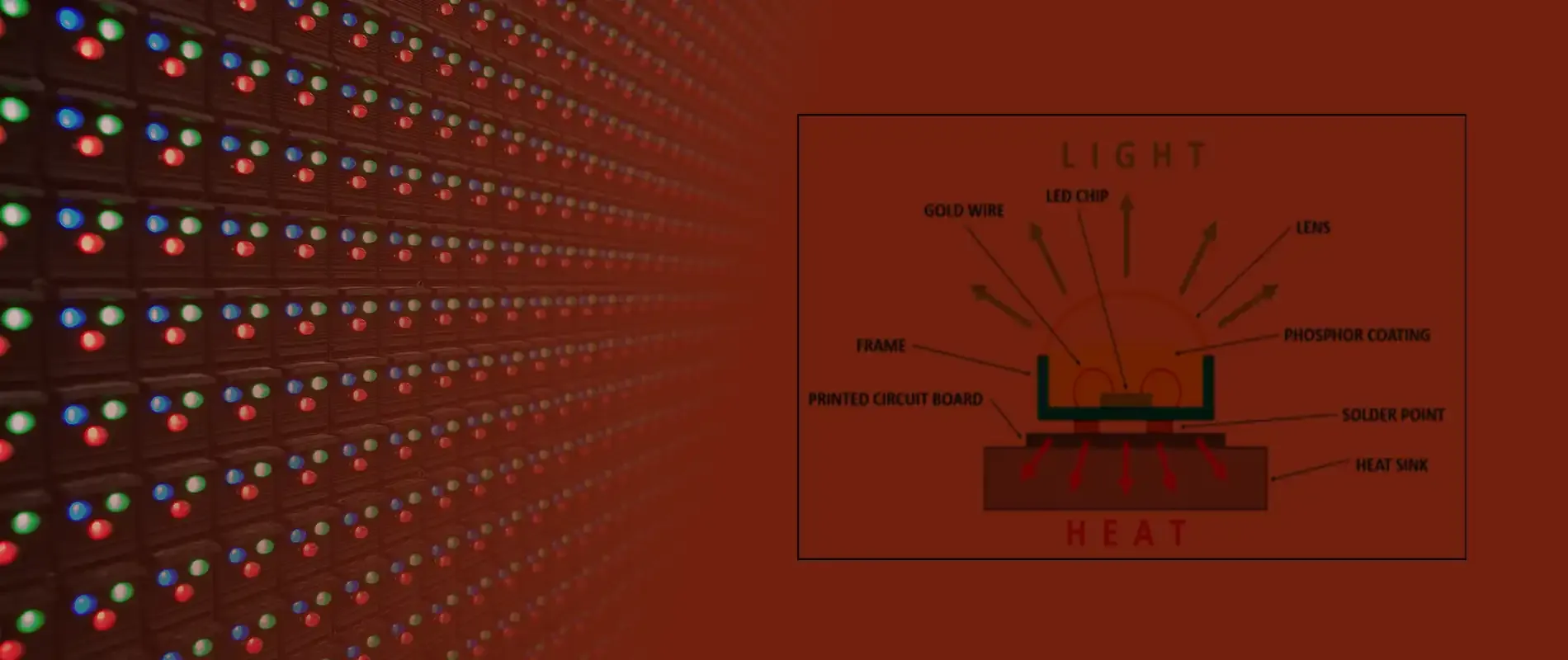
Inside the Ageing Chamber: Every Cabinet is tested
Inside the Ageing Chamber: Every ARECH LED cabinet runs an ageing-chamber burn-in cycle before pack-out.
-

Curved and Flexible LED: How It Bends and Where It Fits
Curved and Flexible LED: How bend into columns, domes, and sculptural shapes, why magnetic mounting makes them…
-

What ARECH's LED Display Certifications Mean: CE, FCC, RoHS, ISO 9001, LVD
What ARECH's LED Display Certifications Mean: CE, FCC, RoHS, and ISO 9001, LVD certification each cover on an LED…
-

Indoor vs Outdoor LED Displays: How to Choose the Right One
Indoor vs Outdoor LED Displays: differ in brightness, weatherproofing, pixel pitch, and cabinet build. Here is how to…
-

Pixel Pitch Explained: Matching an LED Display to Viewing Distance
Pixel Pitch Explained - What pixel pitch means, how it sets minimum viewing distance, and how to pick the right LED…